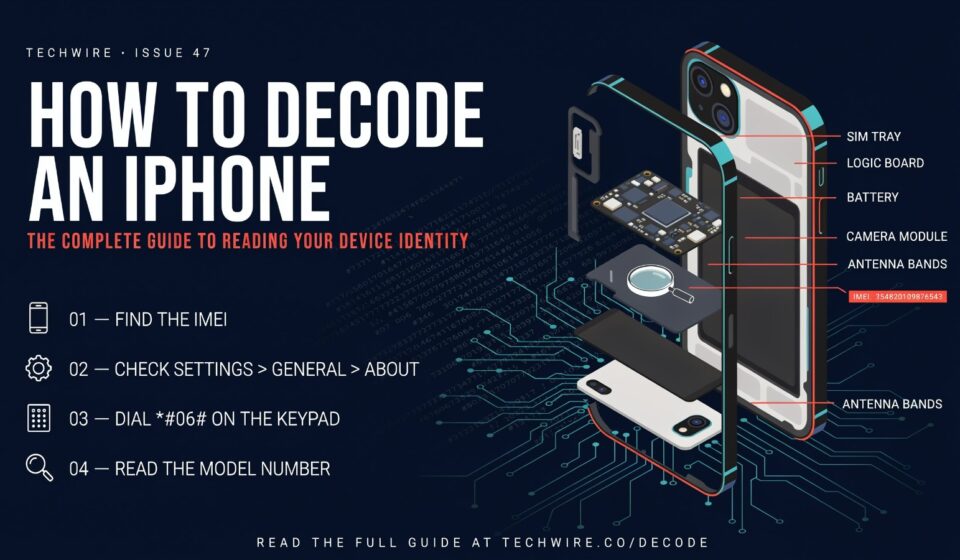

Your carrier locked your phone. They took your money, gave you a device, and quietly made sure it only works on their network. That’s not a feature. That’s a trap. And the good news? There’s a law that says they have to let you out of it.
Quick Facts
| Info | Details |
| What “unlocking” means | Removing software restrictions so your iPhone works on any carrier |
| Types of locks | Carrier/SIM lock, Screen passcode lock, iCloud Activation Lock |
| Is it legal? | Yes — the Unlocking Consumer Choice and Wireless Competition Act (2014) requires carriers to unlock eligible devices |
| Does Apple sell unlocked iPhones? | Yes — “SIM-Free” iPhones bought directly from Apple are always unlocked |
| Verizon unlock wait | 60 days automatic |
| AT&T unlock wait | 60 days + paid off + not reported stolen |
| T-Mobile unlock wait | 40 days postpaid / 365 days prepaid |
| iCloud Activation Lock bypass | Not possible without the original Apple ID — full stop |
| Cost to unlock via carrier | Usually free |
| Cost via third-party services | Varies — and many are outright scams |
First: Which Kind of “Locked” Are We Talking About?
Because there are three completely different problems that all get called “locked iPhone,” and each one has a different fix. Mixing them up wastes hours.
Carrier lock means the phone is tied to one network and won’t accept another SIM. Passcode lock means you (or someone else) forgot the PIN and now the phone is a brick. Activation lock means some previous owner’s Apple ID is still glued to the device and the phone won’t set up until that’s resolved.
These are not the same thing. The fix for one does nothing for the other two. So figure out which one you’re dealing with before you do anything
else.
See also “Domikyo.com: The Smart Home Site Nobody Can Actually Find — And Why That’s Worth Talking About“
The Carrier Lock: Actually the Easiest One
Here’s the part that should make you annoyed: carriers are legally required to unlock your phone. There’s a federal law. It passed in 2014. The Unlocking Consumer Choice and Wireless Competition Act says any phone purchased after 2015 must be eligible for unlocking. Your carrier can’t just refuse because they feel like it.
They can make you wait. They can require the device be paid off. They have terms. But they cannot permanently trap you.
Check If You’re Already Unlocked
Pull up Settings > General > About. Scroll until you see “Carrier Lock” or “Network Provider Lock.” If it says “No SIM restrictions” — you’re done. Your phone is already free. Close this article and go do something fun.
If it says anything else, keep reading.
Verizon: The Surprisingly Chill One
Verizon automatically unlocks your device 60 days after activation. No call needed. No form to fill out. Just… it happens. If your device isn’t flagged for fraud or reported lost or stolen, you wake up on day 61 with an unlocked phone and Verizon never sends you a congratulations note or anything.
The only weird exceptions are military personnel on deployment and devices purchased from third-party retailers, where the lock window might differ. Check the box the phone came in if you’re unsure.
AT&T: Free But You Have to Ask
AT&T unlocks automatically for eligible postpaid customers — paid off, 60+ days active, not flagged. But prepaid AT&T customers have to go submit an actual unlock request through AT&T’s device unlock page. It’s not difficult. Fill out the form, wait up to two business days, done.
Prepaid accounts are more complicated and require six months of service before they’ll even consider it. If you’re on prepaid and you’re in month two, you’re just waiting. That’s the deal.
T-Mobile: Pretty Painless If You’re Postpaid
T-Mobile’s policy is to unlock automatically once you hit eligibility — 40 days of postpaid service, account in good standing, device paid off. If the unlock has happened, you’ll see it reflected in Settings.
If you’re prepaid, the bar is much higher: 365 days of service or $100+ in refills per line. That’s a full year. If your phone isn’t unlocking and you think it should be, contact T-Mobile and have them submit the unlock request manually.
UK Carriers: Even Easier
In the UK, Ofcom banned selling locked handsets in 2021. O2 unlocks anything bought after August 2018. Three says everything sold after January 2014 unlocks itself on Wi-Fi. EE will do it free. Vodafone says its Apple products come unlocked already.
If you’re in the UK and your phone is still locked, honestly just call your carrier. It should take one conversation.
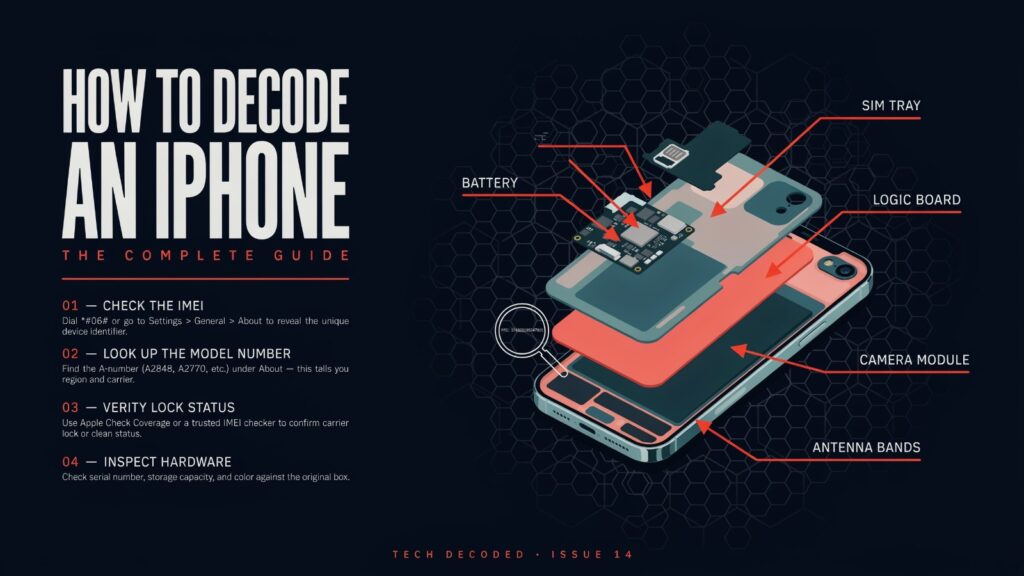
The Passcode Lock: You Forgot Your Own Password
Okay. This happens to everyone. Don’t be embarrassed. You’re locked out of your own phone. Here’s what’s actually true and what the internet lies to you about.
The truth: your passcode cannot be “recovered.” It isn’t stored anywhere that can be read back to you. Apple designed it this way on purpose. The only path forward is erasing the device and setting it up again. If you have a recent iCloud or computer backup, you restore from that and get most or all of your data back. If you don’t have a backup… yeah, it’s gone.
The Modern Way: Lock Screen Option (iOS 15.2+)
If your iPhone is running iOS 15.2 or later and you enter the wrong passcode enough times to trigger a lockout, look at the bottom of the screen. There’s an “Erase iPhone” option. Tap it. Enter your Apple ID password to confirm you’re the real owner. The phone wipes itself and starts over.
Requirements: you need to be on Wi-Fi or cellular, and you absolutely must know your Apple ID password. If you don’t know that either — get off this screen and go to the next method.
iOS 17 added something slightly nicer: if you changed your passcode recently, there’s a 72-hour window where the old one still works as a fallback. So if you set a new passcode last night and forgot it this morning, try the old one first.
Recovery Mode: The Classic Method
Works on any iPhone regardless of iOS version. Requires a computer.
iPhone 8 and later (including all Face ID models):
- Turn the phone off completely.
- Press and quickly release Volume Up.
- Press and quickly release Volume Down.
- Press and hold the Side button until the Recovery Mode screen appears — keep holding even after the Apple logo shows up.
- Connect to a Mac (use Finder) or PC (use iTunes or the Apple Devices app).
- When your computer prompts “Restore or Update,” choose Restore.
iPhone 7 / 7 Plus: Press and hold the Sleep/Wake button and the Volume Down button together until the recovery screen appears.
iPhone 6s and older (with home button): Press and hold both the Home button and the Sleep/Wake button until you see the recovery screen.
Once your computer recognizes it in Recovery Mode, the restore downloads the latest iOS and wipes the device. If it takes more than 15 minutes and the phone exits recovery mode on its own, the download isn’t finished — just turn it back off and start over.
After the restore completes, you can set up fresh or restore a backup. The passcode is gone. New life.
DFU Mode: The Last Resort
DFU (Device Firmware Update) mode is a deeper recovery state than regular Recovery Mode. It’s for situations where normal recovery doesn’t work — a phone that won’t turn on, keeps crashing, or refuses to be recognized. The button sequence is similar but the timing is trickier (you have to hit it at exactly the right moment or the phone boots normally instead). If Recovery Mode worked, you don’t need DFU. It’s there if you need it.
The Activation Lock: The One That’s Actually Serious
iCloud Activation Lock is Apple’s anti-theft system, and it is genuinely one of the best things they’ve ever built for security. When “Find My” is enabled and someone erases their iPhone, Activation Lock kicks in. The next person who tries to set up that device hits a wall: “iPhone Locked to Owner.” They can’t get past it without the original Apple ID and password.
The painful reality is this: there is no bypass. Not a real one. Not a legitimate one.
The only actual solutions are:
Option 1: Contact the previous owner and have them log into iCloud.com, remove the device from their account, and sign out of Find My. Takes about two minutes for someone who knows their Apple ID credentials.
Option 2: If you have proof of purchase (original receipt from Apple or carrier), Apple Support can sometimes help in cases where the previous owner is genuinely unreachable and you have legitimate documentation.
Option 3: If you bought it secondhand and the seller won’t help you, dispute the purchase with your payment method or platform and get your money back. The device is, practically speaking, unusable to you.
What will NOT work: every website promising “instant iCloud removal,” “permanent bypass in 2 minutes,” or “IMEI unlock for Activation Lock.” These are scams. They’ve always been scams. One user on Apple Discussions paid $175 CAD to a third-party unlock site, gave them the IMEI, waited four months for an email that never arrived, and could no longer reach the company. That story has played out thousands of times.
If a website promises to bypass Activation Lock — close the tab.
Third-Party Unlocking Services: Proceed With Extreme Caution
For carrier unlocks specifically, some third-party services do legitimately work by submitting your IMEI to carrier databases. A service called Doctor SIM has been around long enough to have a real reputation and claims to refund you if the unlock fails. Macworld’s editors tested it and it worked without hidden fees.
But the field is absolutely full of garbage. Scam sites run surveys that pay them money per completion and deliver nothing. Others take your payment and stop responding. Others deliver fake confirmation emails while your phone remains locked. The Apple Wiki maintains a public community-reported list of scam sites — it’s long.
The rule here is simple: if your carrier will do it for free, go to your carrier. Third-party services only make sense when your carrier has genuinely refused and you’ve exhausted the official options. And if you do use one, research it thoroughly before handing over your IMEI or your money.
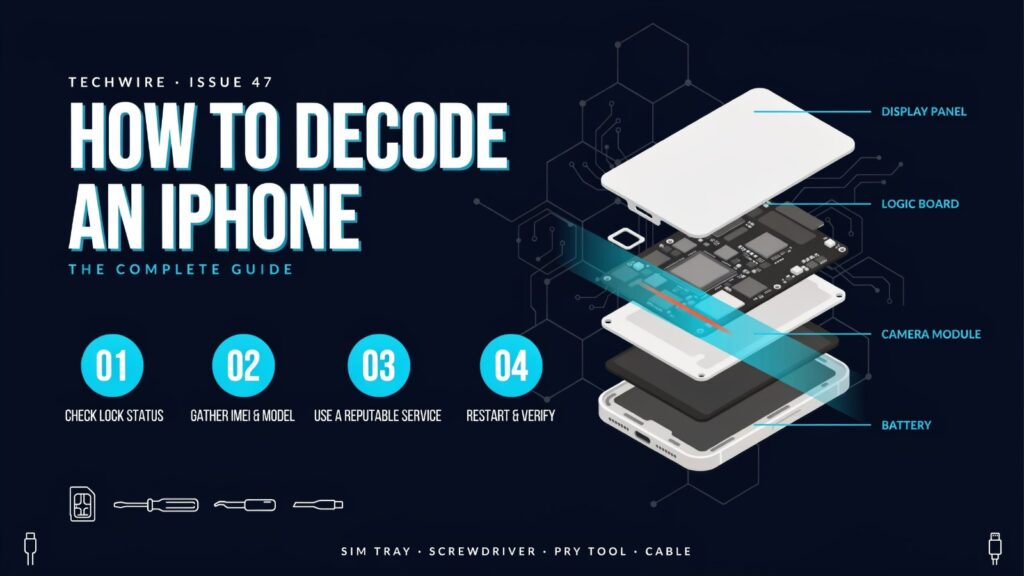
Buying a Used iPhone? Check Before You Pay Anything.
This deserves its own section because so many people learn it the hard way.
Before you buy any used iPhone, ask the seller to show you Settings > General > About and confirm “No SIM restrictions.” Also ask them to turn off Find My right in front of you at the point of sale. If they can’t or won’t do either of those things, don’t buy it.
Swappa’s guide on this is exactly right: Activation Lock is the single most common reason a used iPhone becomes worthless to its new owner. It takes 30 seconds to check. Skipping that check can cost you hundreds of dollars. The seller who “forgot” to turn off their iCloud is sometimes a seller who’s selling you a stolen phone.
Check the IMEI too. You can enter it at checkcoverage.apple.com to verify basic status, and there are IMEI checking services (PhoneCheck is one legitimate option used in commercial device grading) that tell you if a device has been flagged as lost or stolen. Do this before you hand over cash.
The “SIM-Free” Option Nobody Talks About Enough
If you’re buying a new iPhone directly from Apple — not through a carrier — you can buy what they call a “SIM-Free” model. These arrive fully unlocked, compatible with any carrier, no waiting period, no calling anyone, no forms. You own it outright, you put whatever SIM you want in it.
The tradeoff is you pay full retail price upfront instead of a subsidized contract price. But you also never have to do any of the above. If unlocking headaches sound like something you’d rather skip entirely for the next few years, the SIM-Free route is genuinely the cleaner option.
How to Confirm the Unlock Actually Worked
After any carrier unlock completes, your carrier should send a confirmation — usually an email or text. Then:
- Power the phone down.
- Eject the SIM tray, swap in a SIM from a different carrier.
- Power back on.
- Make a phone call.
If the call connects, you’re done. If you see “SIM Not Supported” or “Invalid SIM,” either the unlock didn’t fully process yet (sometimes it takes a restart and a WiFi connection), or something went wrong. You can also verify by going back to Settings > General > About and confirming “No SIM restrictions” is showing.
Some carriers require a factory reset before the new network is recognized. If you’ve confirmed the unlock is complete but a new SIM still isn’t working, back up your phone, do a full reset, and set up again. Annoying. But it works.
Final Words
Carrier locking is a practice that exists to make switching harder. Full stop. The law requiring carriers to unlock phones was passed specifically because the carriers weren’t doing it voluntarily. The UK banned locking new phones entirely in 2021 and nobody’s infrastructure collapsed.
The good news is that for most people with most iPhones, the actual process is straightforward: contact your carrier, confirm eligibility, submit the request or wait the required days, done. The nightmare scenarios — Activation Lock on a used phone, a carrier that drags its feet, a third-party service that scams you — are avoidable if you know what to check before you buy and who to trust when you need help.
Apple genuinely doesn’t make money on carrier locks. The carriers do. Keep that in mind when deciding who to call first.
FAQs
1. How do I know if my iPhone is already unlocked?
Go to Settings > General > About and scroll to “Carrier Lock” or “Network Provider Lock.” If it says “No SIM restrictions,” you’re already free. Done.
2. Is unlocking an iPhone legal in the US?
Yes. The Unlocking Consumer Choice and Wireless Competition Act of 2014 made it a legal right. Carriers are required to unlock eligible devices upon request.
3. Can I unlock my iPhone for free?
Usually yes — through your carrier, carrier unlocking is typically free once you meet the eligibility requirements. Third-party services charge fees.
4. How long does AT&T take to unlock an iPhone?
AT&T says up to two business days after submitting an unlock request, though postpaid accounts that are already eligible often unlock automatically. Prepaid accounts require six months of service first.
5. What’s the difference between Recovery Mode and DFU Mode?
Recovery Mode is a standard restore mode — your computer can reinstall iOS and wipe the device. DFU (Device Firmware Update) Mode is a deeper state used when Recovery Mode doesn’t work; it allows a full firmware reload even on devices that won’t boot normally.
6. Can I unlock an iPhone with an Activation Lock without the previous owner?
No legitimate method exists. The device needs the original Apple ID credentials removed, either by the owner logging into iCloud or (in narrow circumstances with proof of purchase) Apple Support intervening. Any website claiming otherwise is a scam.
7. I bought a used iPhone and it says “iPhone Locked to Owner” — what do I do?
Contact the seller and ask them to remove the device from their iCloud account at icloud.com. If they won’t or can’t, dispute the transaction and get a refund. The device is unusable without their cooperation.
8. Will unlocking my iPhone void the warranty?
No. Carrier unlocking through official channels doesn’t void your warranty. Apple doesn’t have any issue with carrier unlocks.
9. What happens to my data when I unlock my iPhone?
For carrier unlocks — nothing. Your data stays intact. For passcode lock recovery (Recovery Mode) — all data is erased, but you can restore from backup. Back up before you start.
10. Can Verizon iPhones use any SIM after 60 days?
Yes. Verizon’s policy is automatic unlocking after 60 days, compatible with any carrier that uses supported frequencies. No code required, no call needed.
11. Are third-party IMEI unlock services safe?
Some are legitimate; many are outright scams. Doctor SIM has a reputable track record and a refund policy for failed unlocks. Be extremely skeptical of any service that promises “instant” unlocks, charges upfront with no refund policy, or has no verifiable history. Always try your carrier first.
12. What is a SIM-Free iPhone and is it worth buying?
A SIM-Free iPhone is purchased directly from Apple without carrier involvement. It arrives factory unlocked and compatible with any carrier. You pay full retail price upfront, but you never deal with unlock requests, waiting periods, or carrier bureaucracy.
Discover stories that stand at the top with The Pinnacle Magazine.